Move from ticket to task without losing context
When a customer request becomes delivery work, IntelliDesk keeps the support context close to the project card.
Project management
Use kanban boards, stages, assignments, checklists, and notes to turn support requests into visible delivery work.
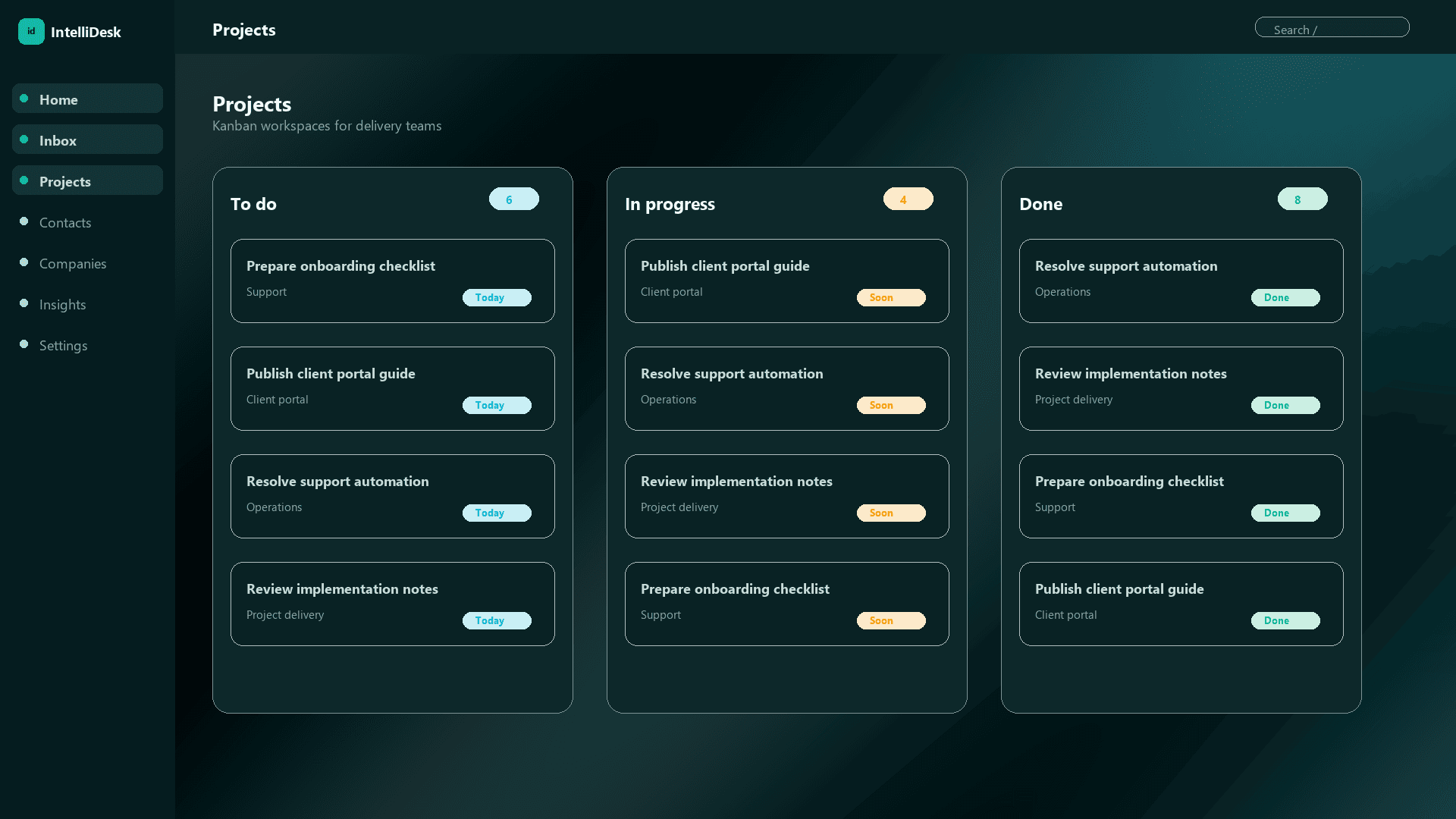
When a customer request becomes delivery work, IntelliDesk keeps the support context close to the project card.
Project boards show what is waiting, in progress, blocked, or done so delivery teams and support teams stay aligned.
Use boards for onboarding, implementation, maintenance requests, issue resolution, and recurring operational workflows.
More IntelliDesk paths
Capture requests from email, route them to the right team, track status, and keep every customer conversation connected to the work behind it.
Learn moreBring Gmail, Outlook, and IMAP conversations into one workspace where every request has a status, owner, priority, and activity trail.
Learn moreLet customers submit requests, track updates, and find answers while your team manages the work from IntelliDesk.
Learn more