Group related tickets during major outages or bugs
When an outage hits, dozens of customers email in. Link each of their tickets to one parent problem so the team works the cause once and the queue shows what belongs together.
ITIL service desk
Link customer incident tickets to a parent problem from the ticket sidebar. When the root cause is fixed, close every linked incident in one step instead of one by one.
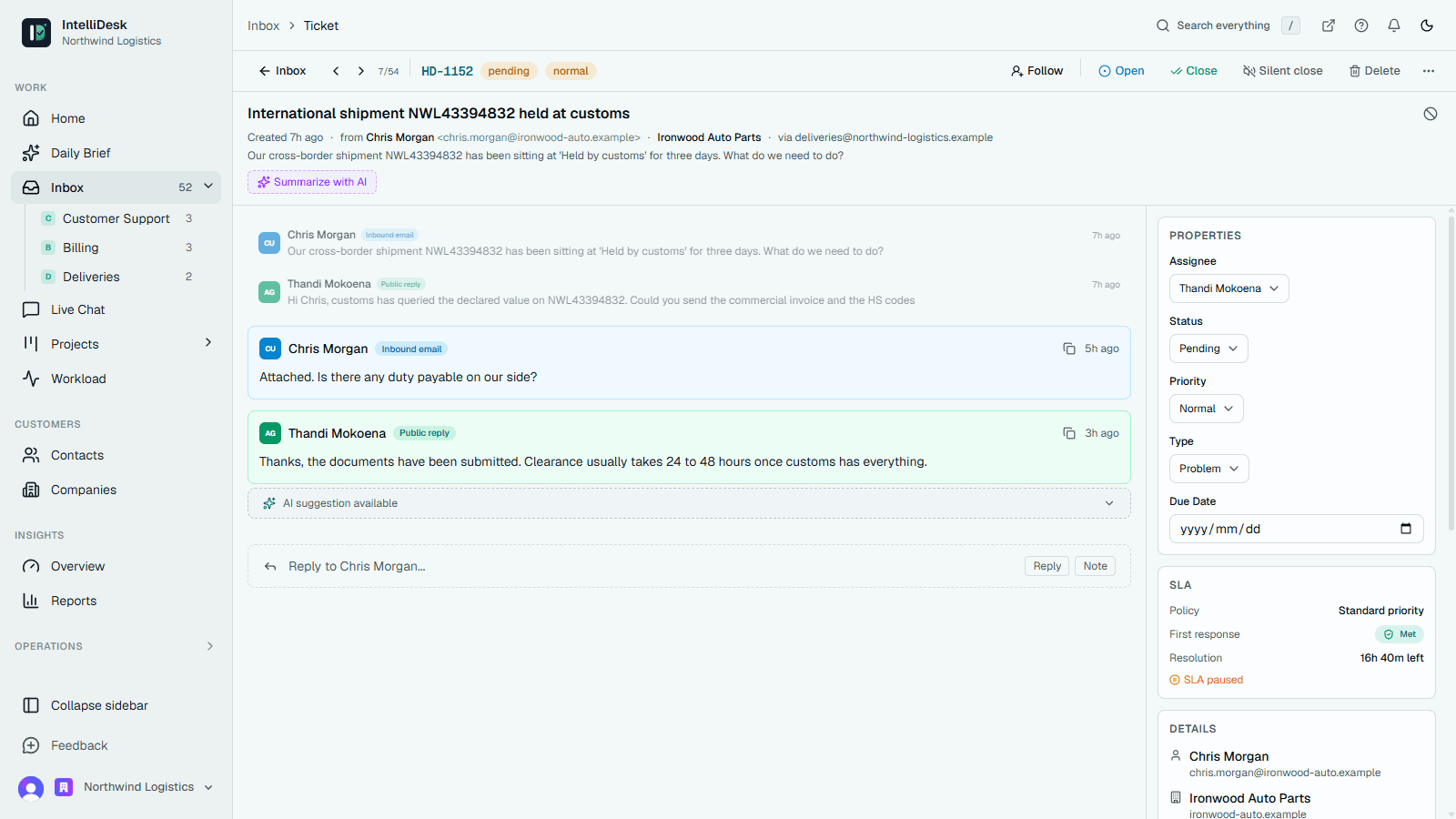
When an outage hits, dozens of customers email in. Link each of their tickets to one parent problem so the team works the cause once and the queue shows what belongs together.
When the fix is in, one action closes every linked incident the agent can work on, with a note on each saying which problem resolved it. Post the all-clear on your status page and the portal banner comes down.
Set response and resolution targets per priority in business hours. Tickets show a warning before they breach, and you can escalate to the desk's managers once a set share of the target has passed.
More IntelliDesk paths
Capture requests from email, route them to the right team, track status, and keep every customer conversation connected to the work behind it.
Learn moreBring Gmail, Outlook, and IMAP conversations into one workspace where every request has a status, owner, priority, and activity trail.
Learn moreUse kanban boards, stages, assignments, checklists, and notes to turn support requests into visible delivery work.
Learn more